










12-inch MacBook 2015–2017 Data Recovery
12-inch Retina MacBook not turning on? Its SSD is soldered to the logic board – we repair the board to recover your data.



12-inch Retina MacBook not turning on? Its SSD is soldered to the logic board – we repair the board to recover your data.
The 12-inch Retina MacBook (model A1534) was the first Mac laptop with its SSD soldered directly to the logic board. It has no T2 chip, but because the storage can’t be removed, a Mac that won’t power on can only give up its data once the board itself is repaired.
These tiny, fanless boards are densely packed, and faults after liquid spills or charging problems are common. Our engineers carry out logic board repairs to get the Mac running long enough to copy your files off.
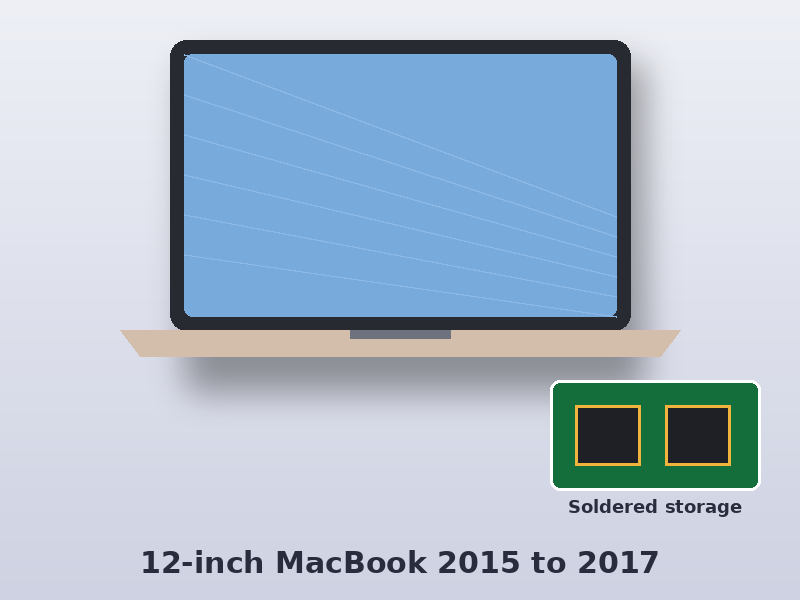
Find your Apple part number on the original box or receipt, or on your Apple ID account under Devices. In the part numbers below, xx is the country code – UK models end in B/A (for example MF855B/A). The model number (A-number) is printed on the underside of the Mac.
| Model | Model number | Model identifier | Apple part numbers | Model page |
|---|---|---|---|---|
| MacBook Retina 12-inch, Early 2015 | A1534 | MacBook8,1 | MF855xx/A, MF865xx/A, MJY32xx/A, MJY42xx/A, MK4M2xx/A, MK4N2xx/A | A1534 |
| MacBook Retina 12-inch, Early 2016 | A1534 | MacBook9,1 | MLH72xx/A, MLH82xx/A, MLHA2xx/A, MLHC2xx/A, MLHE2xx/A, MLHF2xx/A, MMGL2xx/A, MMGM2xx/A | A1534 |
| MacBook Retina 12-inch, 2017 | A1534 | MacBook10,1 | MNYF2xx/A, MNYG2xx/A, MNYH2xx/A, MNYJ2xx/A, MNYK2xx/A, MNYL2xx/A, MNYM2xx/A, MNYN2xx/A | A1534 |
Source: Apple Support model identification pages.
Select your Mac to see models, part numbers, common faults and how we recover it.
No. The SSD is part of the logic board, so the board has to work before the data can be read.