









MacBook Pro 15-inch, 2017 Data Recovery
A1707 · MacBookPro14,3 – soldered storage. We recover data from this exact model.



A1707 · MacBookPro14,3 – soldered storage. We recover data from this exact model.
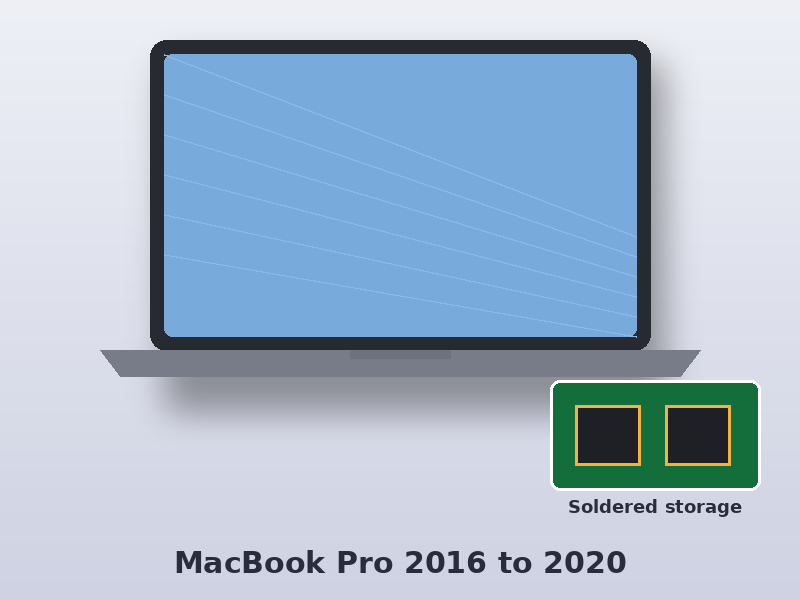
The MacBook Pro 15-inch, 2017 (model number A1707, identifier MacBookPro14,3) uses an Intel Core i5/i7 (7th generation, Kaby Lake) and stores your data on flash storage soldered to the logic board. Because the storage is soldered to the logic board, the Mac itself has to work before the data can be read.
Data Doctor recovers data from the MacBook Pro 15-inch, 2017 at our London lab, whether it won’t start, has been damaged by liquid or has lost files after an update.
| Model | MacBook Pro 15-inch, 2017 |
|---|---|
| Model number | A1707 |
| Model identifier | MacBookPro14,3 |
| Apple part numbers | MPTR2xx/A, MPTT2xx/A, MPTU2xx/A, MPTV2xx/A, MPTW2xx/A, MPTX2xx/A |
| Processor | Intel Core i5/i7 (7th generation, Kaby Lake) |
| Storage | Flash storage soldered to the logic board |
| Encryption | None (unless FileVault was turned on) |
xx in the part number is the country code – UK models end in B/A (for example MPTR2B/A). The model number is printed on the underside of the Mac. See the Apple tech specs for this model.
The storage on this model is soldered to the logic board, so the data can only be read through the Mac’s own board. If the Mac won’t start, we carry out a component-level logic board repair – liquid damage, short circuits and power faults – then copy your data off. Some 2016–2017 Touch Bar logic boards also have a special data recovery connector that we can use once the board can power the storage.
Select your Mac to see models, part numbers, common faults and how we recover it.
Often, yes. The storage is soldered to the logic board, so we repair the board until the Mac can start and then copy the data off.
Look for A1707 in the small print on the underside of the Mac, or choose About This Mac and check the name reads MacBook Pro 15-inch (15-inch, 2017). The model identifier is MacBookPro14,3.
The initial consultation is free. Logic board repairs are quoted after diagnosis, and you approve the price before any work starts.