










MacBook Pro 13-inch, Mid 2012 Data Recovery
A1278 · MacBookPro9,2 – removable storage. We recover data from this exact model.



A1278 · MacBookPro9,2 – removable storage. We recover data from this exact model.
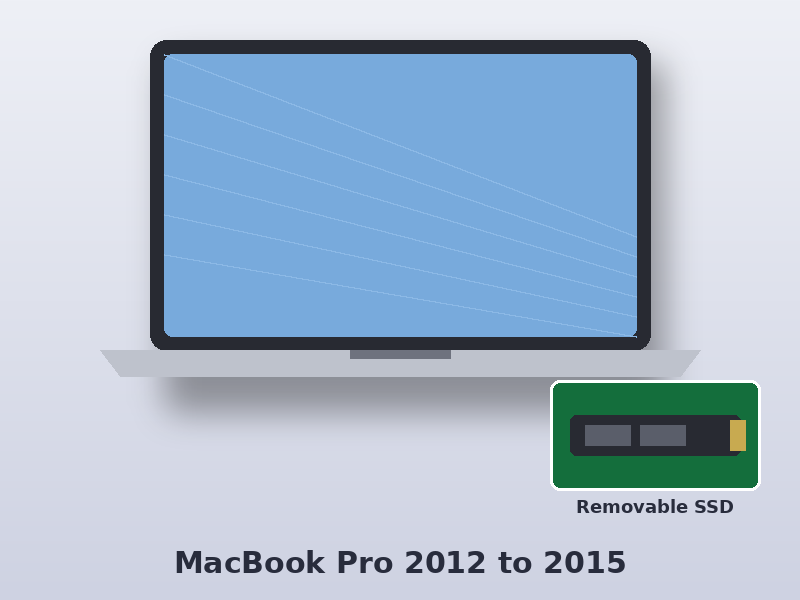
The MacBook Pro 13-inch, Mid 2012 (model number A1278, identifier MacBookPro9,2) uses an Intel Core i5/i7 (3rd generation, Ivy Bridge) and stores your data on 2.5-inch SATA hard drive or SSD. The storage can be removed, which usually makes recovery straightforward.
Data Doctor recovers data from the MacBook Pro 13-inch, Mid 2012 at our London lab, whether it won’t start, has been damaged by liquid or has lost files after an update.
| Model | MacBook Pro 13-inch, Mid 2012 |
|---|---|
| Model number | A1278 |
| Model identifier | MacBookPro9,2 |
| Apple part numbers | MD101xx/A, MD102xx/A |
| Processor | Intel Core i5/i7 (3rd generation, Ivy Bridge) |
| Storage | 2.5-inch SATA hard drive or SSD |
| Encryption | None (unless FileVault was turned on) |
xx in the part number is the country code – UK models end in B/A (for example MD101B/A). The model number is printed on the underside of the Mac. See the Apple tech specs for this model.
This model’s storage can be removed. We take the drive out and connect it to our own recovery equipment, so the data can be recovered even if the Mac itself is dead or liquid-damaged. Failed SSDs and hard drives are repaired first – blade SSD firmware and board faults, or hard drive heads in our clean room.
Select your Mac to see models, part numbers, common faults and how we recover it.
Usually, yes. The storage on this model can be removed and read directly on our equipment, even if the Mac itself is dead.
Look for A1278 in the small print on the underside of the Mac, or choose About This Mac and check the name reads MacBook Pro 13-inch (13-inch, Mid 2012). The model identifier is MacBookPro9,2.
Deleted files start at £99 + VAT. A failed hard drive needs a £79 + VAT clean room diagnostic, and physical recovery is £450 + VAT plus any donor drive.